 DIGORIAX


Become a tester
DIGORIAX is in its last test before the launch on Google Play. Join the testers, play for free before everyone else and help the game launch. It takes one minute – use the same Google account in all three steps (Android only).
- 1
- 2
- 3
Install the game
Install DIGORIAX from Google Play and play. Please stay a tester for at least 14 days – thank you!
Install from Google Play
Follow DIGORIAX – new gift codes and news first:
Build your mining empire
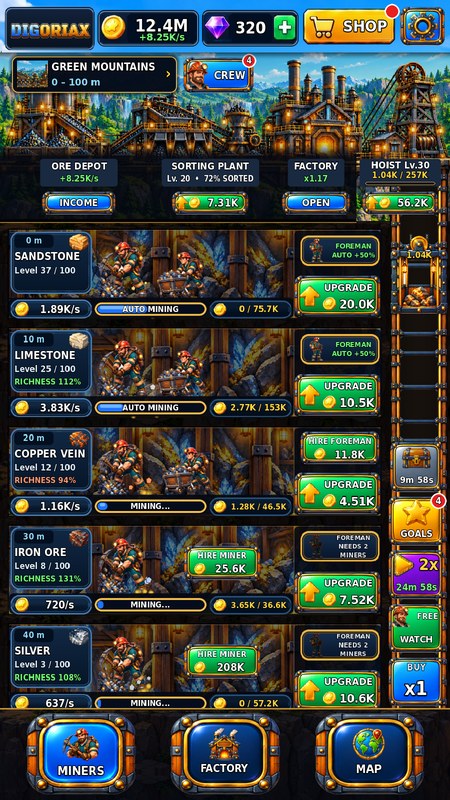
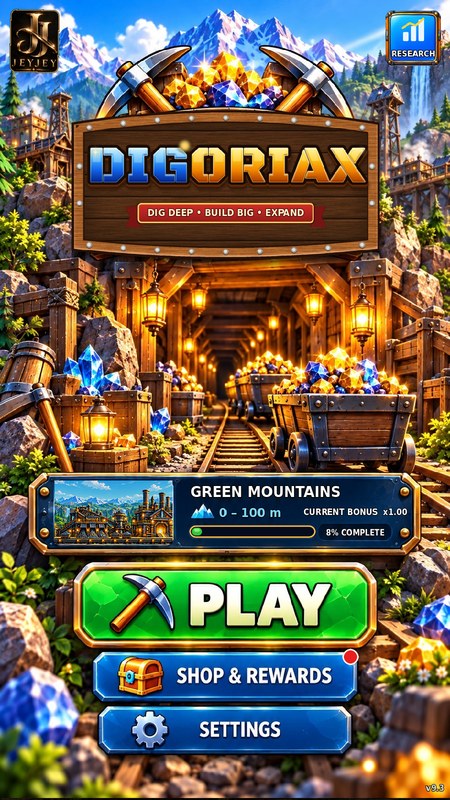
Start with one shaft and a single miner. Dig deeper, unlock richer ore and turn your mine into an empire across 50 worlds.

50 worlds
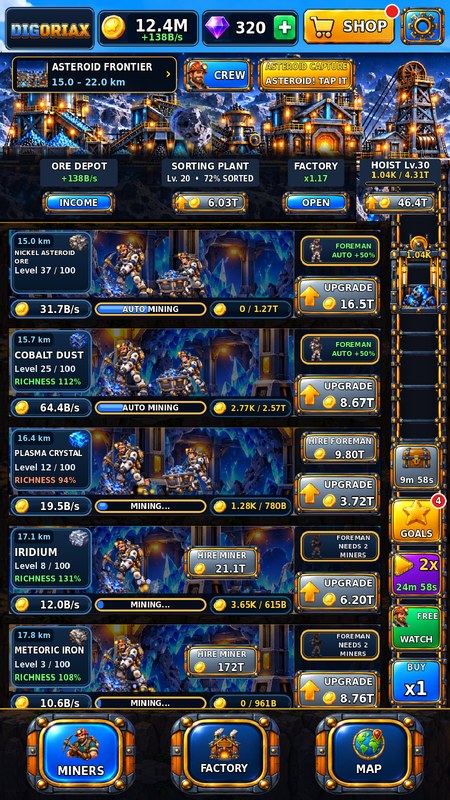
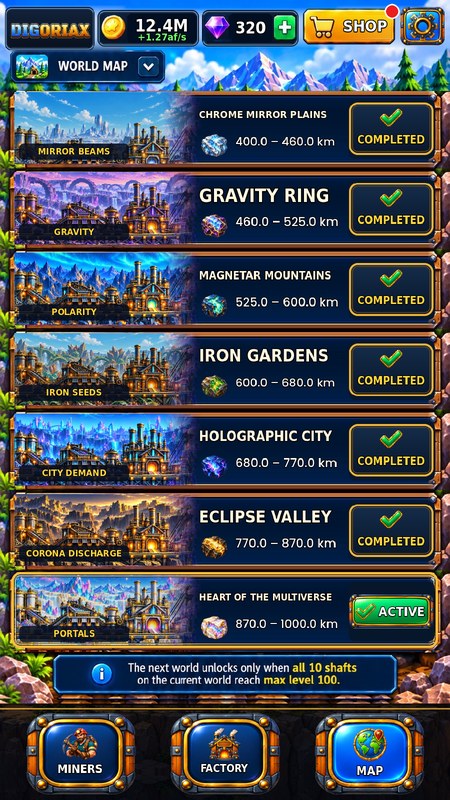
Every world plays a little differently: a gold rush in the canyon, volcanic heat, lunar nights, blizzards, lightning storms, portals to other worlds, a porcelain kiln, a geyser, a train, a loom and alchemy.

Your own crew
Hire diggers and haulers for every shaft. A foreman keeps a shaft digging on its own, and every crew level adds +3% income.

Hoist & factory
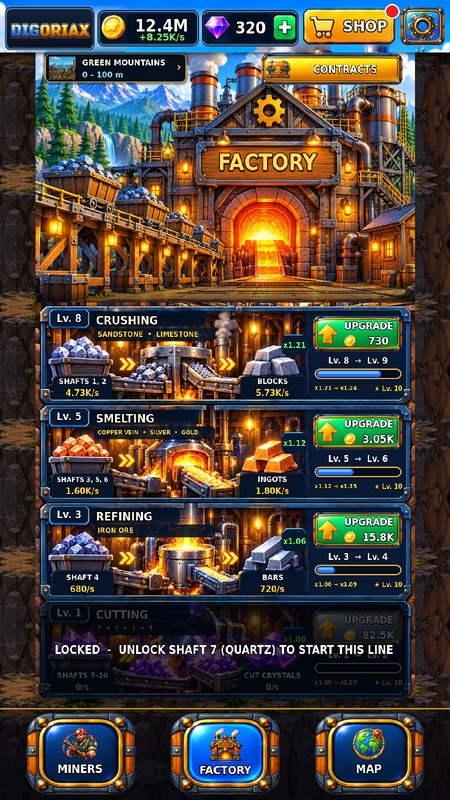
The hoist rides calmly from the top down, floor by floor, and every load is sold the moment it reaches the surface. Factory lines multiply the price – you always see your income in coins per second.

Earn while away
Shafts with a foreman keep working while the game is closed. An optional reminder tells you when your mine is full or a daily reward is ready.

Research & empire
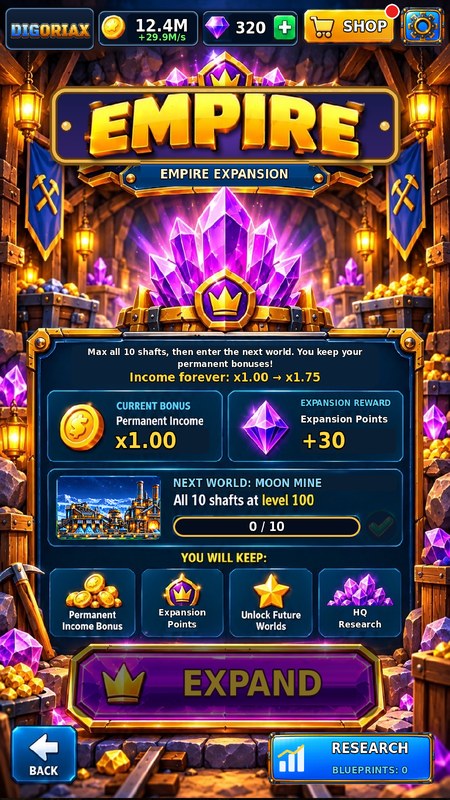
Finish contracts for blueprints and spend them in Research on upgrades that stay forever. Expand your empire to the next world and see exactly how much your permanent bonus grows.

Quick upgrades
Buy x1, x10, up to the next milestone (Lv. 10, 25, 50, 75, 100) or as much as you can afford – milestones double a shaft's output.

Fair and free
Free to play with no forced ads – a video only plays when you choose it for a bonus. Everything can be reached without paying.

12 languages
English, Slovak, Czech, Polish, Hungarian, German, Ukrainian, Spanish, French, Italian, Portuguese and Hindi.
Screenshots
Swipe to see more.
Help & support
The answers to the most common questions. If you need anything else, write to us.
How do I move my mine to a new phone?
If Google backup is on, Android brings your game back on a new phone by itself. You can also do it by hand: on your old phone open Settings → Account → Backup code → EXPORT and keep the code (for example in your notes). On the new phone choose IMPORT and paste the code. Paid extras are not part of the code – get them back with RESTORE PURCHASES.
I bought something but didn't get it
Restart the game with the internet on – an unfinished purchase is completed on the next start. One-time extras (Starter Pack, VIP – No Videos, 2x Income Forever) come back with Settings → Account → RESTORE PURCHASES. If it still doesn't work, write to us with the order number from your Google Play receipt (it starts with GPA.).
Do I have to watch ads?
No. DIGORIAX has no forced ads. A short video only plays when you tap a video button to get a bonus, such as double income for 2 hours. With VIP – No Videos every video button gives its reward at once.
What are blueprints and where do I use them?
You get blueprints for finished contracts in the factory. Spend them in RESEARCH – on the home screen (top right) or on the Empire screen. Research stays forever, even after you expand your empire.
How do reminders work?
The game can remind you when your mine is full or a daily reward is ready – at most once a day and only between 9:00 and 21:00. Turn them on or off in Settings → General → Notifications. Reminders are created on your phone; nothing is sent to us.
How can I change my ad privacy choices?
In the game open Settings → Privacy policy → AD PRIVACY. You can also reset or delete your advertising ID in your phone's settings.
How do I delete my data?
Your progress is saved on your phone (and, if you use Google backup, in your own Google account's Android backup). Delete it with Settings → Save progress → DELETE, or uninstall the game. We don't have servers and we don't store your game. More in the Privacy Policy.